AI Tools for YouTube Thumbnail Creation: Complete 2026 Guide
Explore the best AI tools for creating stunning YouTube thumbnails in 2026. From image generation to automated design, discover how AI can transform your thumbnail workflow.
AI Tools for YouTube Thumbnail Creation: Complete 2026 Guide
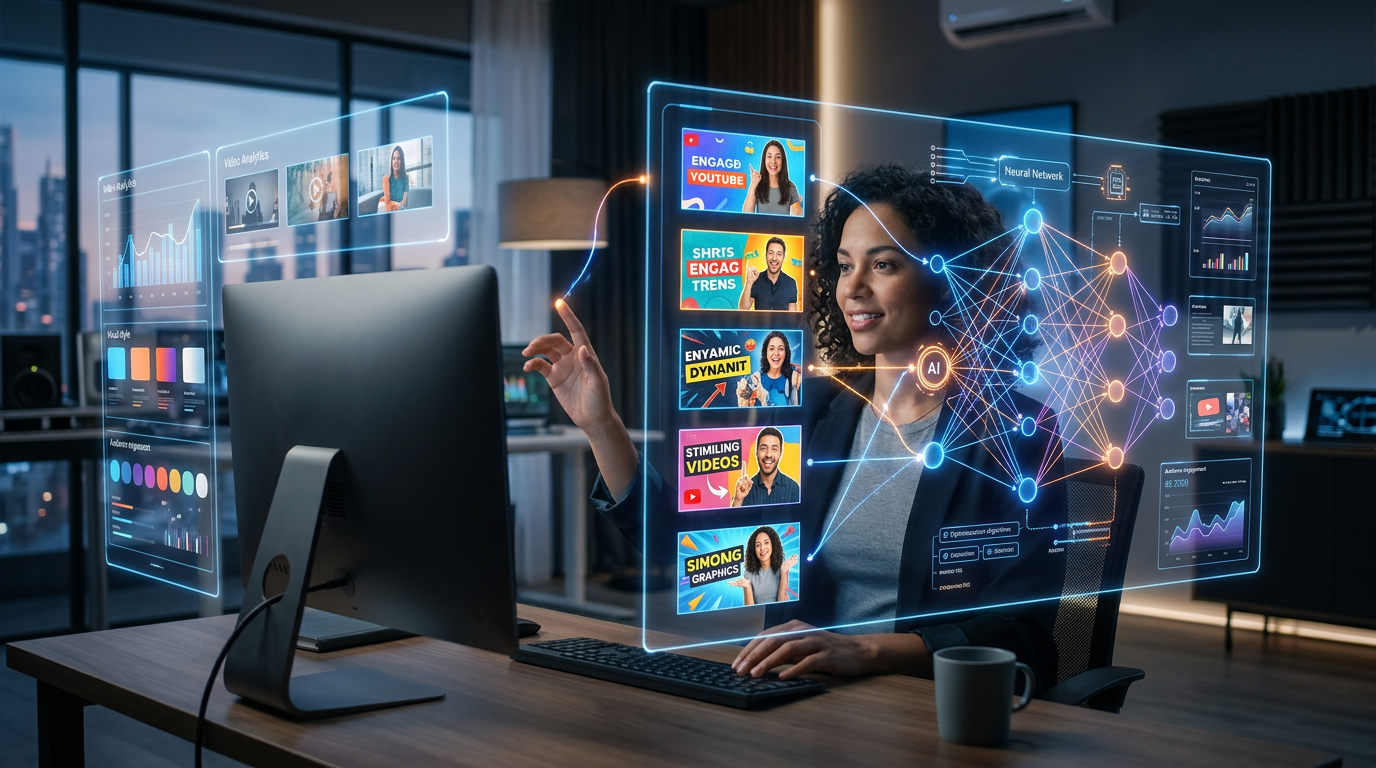
Artificial intelligence has revolutionized thumbnail creation. What once required hours of design work now happens in minutes. This guide explores the AI tools reshaping YouTube thumbnail creation in 2026 and how to leverage them effectively.
The AI Thumbnail Revolution
What AI Brings to Thumbnail Creation
AI tools now handle multiple aspects of thumbnail development:
- Image Generation: Create custom graphics from text descriptions
- Background Removal: Instantly isolate subjects from backgrounds
- Upscaling: Enhance low-resolution images to high quality
- Style Transfer: Apply artistic styles to existing images
- Text Integration: Generate and place text elements intelligently
- A/B Prediction: Predict thumbnail performance before publishing
Why AI Matters for Creators
- Time Savings: Dramatically reduced production time
- Quality Consistency: Professional results without design expertise
- Creative Expansion: Possibilities beyond manual design skills
- Rapid Iteration: Test dozens of variations quickly
- Cost Efficiency: Reduce or eliminate outsourcing needs
Top AI Image Generation Tools
DALL-E 3
Best For: Conceptual and creative imagery Strengths:
- Excellent prompt understanding
- Creative and unique outputs
- Good with text rendering
- Integration with ChatGPT
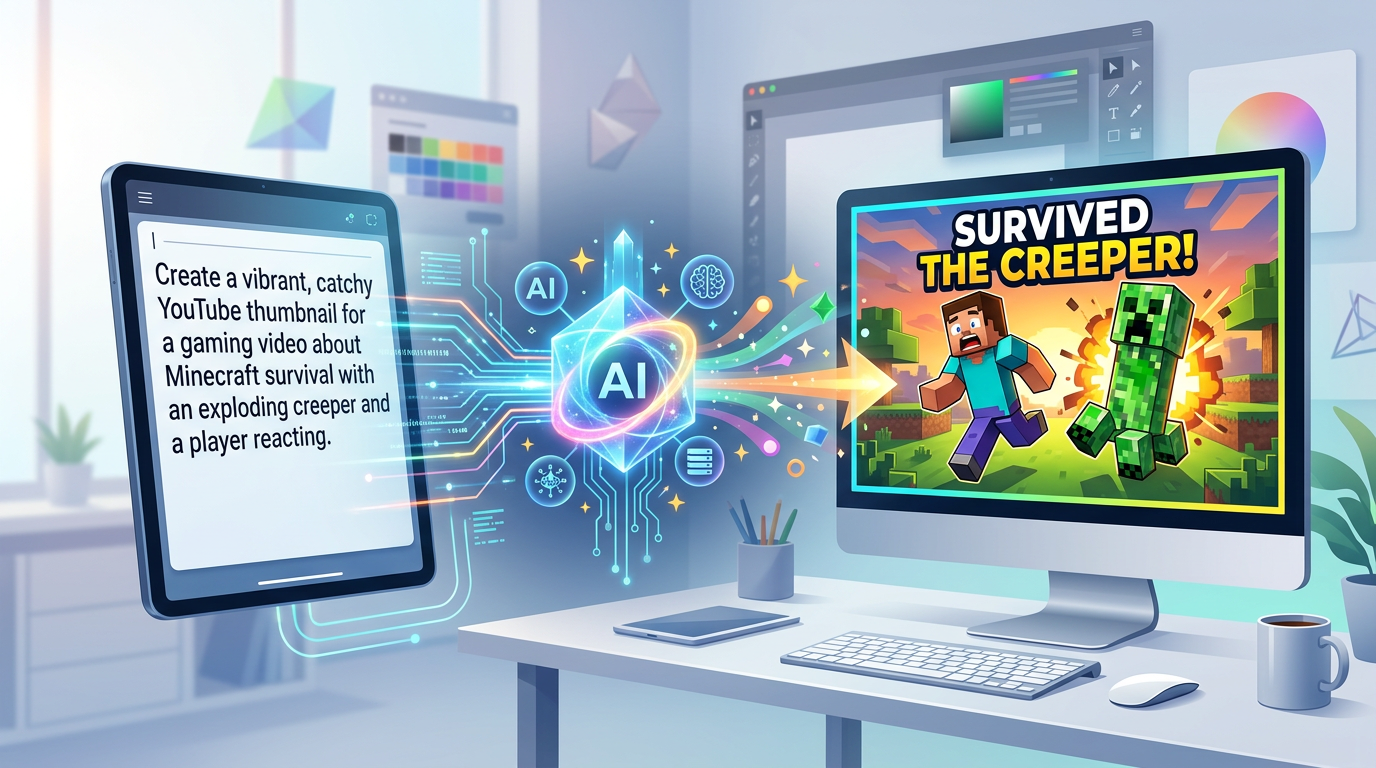
Figure 1: AI image generation process showing text prompt transforming into thumbnail, cre...
Limitations:
- Can produce inconsistent styles
- May require multiple attempts
- Credit-based pricing
Midjourney
Best For: Artistic and stylized imagery Strengths:
- Exceptional artistic quality
- Distinctive visual style
- Strong community resources
- Regular updates and improvements
Limitations:
- Discord-based interface
- Learning curve for prompting
- Subscription required
Stable Diffusion
Best For: Customization and control Strengths:
- Open source flexibility
- Run locally for privacy
- Extensive customization options
- No usage limits on local installs
Limitations:
- Technical setup required
- Hardware requirements
- Less polished user experience
Adobe Firefly
Best For: Professional integration Strengths:
- Integrated with Adobe suite
- Commercial use rights clear
- Professional workflow support
- Ethical AI training data
Limitations:
- Requires Adobe subscription
- Less creative freedom
- Credit system for generation
Google Gemini (Imagen)
Best For: Photorealistic imagery Strengths:
- Strong photorealism
- Good with text integration
- Google ecosystem integration
- Rapid improvement cycle
Limitations:
- Access restrictions in some regions
- Usage limits apply
- Evolving capabilities
Specialized Thumbnail AI Tools
Thumbnail.ai
Purpose: Dedicated thumbnail creation Features:
- Template-based generation
- Automatic text placement
- Platform-optimized outputs
- Quick customization options
Use Case: Rapid thumbnail creation when you need functional results quickly.
Canva AI Features
Purpose: Integrated AI within Canva Features:
- Magic Design for thumbnails
- AI background removal
- AI image generation
- Smart resize and adapt
Use Case: Creators already using Canva who want AI enhancement within familiar workflow.
Adobe Express AI
Purpose: Quick AI-powered designs Features:
- Text-to-image generation
- AI-powered text effects
- Quick action tools
- Brand kit integration
Use Case: Professional creators wanting Adobe quality with simplified interface.
AI-Powered Enhancement Tools
Background Removal AI
Top Tools:
- remove.bg: Quick, accurate removal
- Adobe Express: Integrated removal
- Canva: Built-in background remover
Application: Isolate yourself from any background to place in custom thumbnail environments.
Image Upscaling AI
Top Tools:
- Topaz Gigapixel: Professional quality
- Upscale.media: Free online option
- Real-ESRGAN: Open source solution
Application: Transform low-resolution screenshots into high-quality thumbnail elements.
AI Color Enhancement
Top Tools:
- Palette.fm: Automatic colorization
- Adobe Lightroom AI: Professional enhancement
- Luminar AI: Intelligent adjustments
Application: Quickly enhance thumbnail image quality and consistency.
Effective AI Prompting for Thumbnails
Structure Your Prompts
Effective Prompt Formula:
[Subject] + [Action/Context] + [Style] + [Technical Specifications]
[Subject] + [Action/Context] + [Style] + [Technical Specifications]
Example:
"Professional speaker presenting to camera, modern office background,
photorealistic style, bright lighting, shallow depth of field,
YouTube thumbnail aspect ratio 16:9"
"Professional speaker presenting to camera, modern office background,
photorealistic style, bright lighting, shallow depth of field,
YouTube thumbnail aspect ratio 16:9"
Key Prompt Elements
Subject Clarity:
- Be specific about who or what appears
- Include positioning instructions
- Describe expressions or poses
Style Direction:
- Specify artistic or photorealistic
- Include mood indicators
- Reference visual styles when helpful
Technical Requirements:
- Mention aspect ratio (16:9)
- Specify resolution needs
- Include color preferences
Prompt Templates for Common Thumbnails
Tutorial Thumbnail:
"Person teaching [topic], pointing at [visual element],
professional and approachable expression, clean background
with [relevant objects], bright even lighting,
YouTube thumbnail style, 16:9 aspect ratio"
"Person teaching [topic], pointing at [visual element],
professional and approachable expression, clean background
with [relevant objects], bright even lighting,
YouTube thumbnail style, 16:9 aspect ratio"
Comparison Thumbnail:
"Split screen composition, left side shows [option A],
right side shows [option B], dramatic lighting highlighting
differences, professional product photography style,
16:9 aspect ratio for YouTube thumbnail"
"Split screen composition, left side shows [option A],
right side shows [option B], dramatic lighting highlighting
differences, professional product photography style,
16:9 aspect ratio for YouTube thumbnail"
Reaction Thumbnail:
"Person with [emotion] expression, dramatic lighting,
minimal background to emphasize face, high contrast,
YouTube thumbnail style optimized for mobile, 16:9 aspect ratio"
"Person with [emotion] expression, dramatic lighting,
minimal background to emphasize face, high contrast,
YouTube thumbnail style optimized for mobile, 16:9 aspect ratio"
Integrating AI into Your Workflow
The Hybrid Approach
Combine AI efficiency with human judgment:
Step 1: Generate base images with AI Step 2: Manually select and refine best options Step 3: Add final touches and text Step 4: Test variations
AI for Ideation
Use AI to explore possibilities:
- Generate multiple concept variations
- Test different color schemes quickly
- Explore composition options
- Discover unexpected creative directions
AI for Consistency
Maintain brand standards with AI:
- Train AI on your visual style
- Generate consistent character versions
- Create template variations efficiently
- Scale production while maintaining quality
Common AI Mistakes to Avoid
Over-Reliance on Generated Images
AI-generated content can feel generic:
- Mix AI elements with authentic imagery
- Customize generated content significantly
- Use AI as a tool, not the complete solution
Ignoring Copyright and Ethics
AI generation raises rights questions:
- Understand your AI tool's usage rights
- Avoid generating content too similar to existing creators
- Be transparent about AI use when appropriate
Sacrificing Authenticity
AI perfection can feel inauthentic:
- Maintain genuine elements in thumbnails
- Don't eliminate all human imperfection
- Prioritize connection over polish
Skipping Quality Control
AI outputs require verification:
- Check for AI artifacts and errors
- Verify text readability
- Ensure mobile optimization
- Test across devices
Cost Considerations
Free vs. Paid AI Tools
Free Tier Limitations:
- Usage limits
- Lower quality outputs
- Slower processing
- Fewer features
Paid Tier Benefits:
- Higher usage limits
- Priority processing
- Advanced features
- Commercial usage rights
ROI Calculation
Consider the value of time saved:
- Calculate your hourly rate
- Compare AI tool costs to manual time investment
- Factor in quality improvements
- Consider consistency benefits
Future of AI in Thumbnail Creation
Emerging Capabilities
- Video-to-Thumbnail AI: Automatically select best frames
- Performance Prediction: AI that predicts CTR
- Personalized Thumbnails: AI adapting to individual viewer preferences
- Real-time Optimization: AI that adjusts thumbnails based on performance
Staying Current
AI tools evolve rapidly:
- Follow AI development news
- Test new tools as they emerge
- Adapt workflows to incorporate improvements
- Maintain fundamental design skills alongside AI proficiency
Building Your AI Thumbnail Stack
Essential Tools
- Image Generation: DALL-E, Midjourney, or Stable Diffusion
- Background Removal: remove.bg or integrated tool
- Design Assembly: Canva or Photoshop
- Enhancement: Upscaling and color tools as needed
Workflow Integration
Create a systematic process:
- Plan: Define thumbnail needs
- Generate: Create base elements with AI
- Assemble: Combine elements in design tool
- Refine: Manual adjustments and text
- Test: Verify quality and mobile appearance
- Optimize: A/B test and iterate
Conclusion: AI as Creative Partner
AI tools have democratized thumbnail creation, making professional-quality designs accessible to all creators. However, the most effective approach combines AI efficiency with human creativity and judgment.
Use AI to accelerate your workflow and expand creative possibilities, but maintain your unique voice and authentic connection with your audience. The best thumbnails blend AI-generated elements with genuine human elements that create real connection.
As you integrate AI into your thumbnail creation process, remember that these tools serve your creative vision—they don't replace it. Master AI prompting, build efficient workflows, and always prioritize what resonates with your specific audience over what AI generates most easily.
The future of thumbnail creation is collaborative between human creativity and artificial intelligence. Position yourself at that intersection for maximum impact.
jackyi
YouTube content strategist and thumbnail optimization expert. Passionate about helping creators grow their channels through data-driven design and SEO best practices.